How to install FH2 Recomp
From the APK to the first race: where the game files go, the native renderer’s shader library, custom GPU drivers, updating and the Linux build.
- Sideloaded APK
- ISO or folder
- Title ID 4D530AA4
- v0.4.5
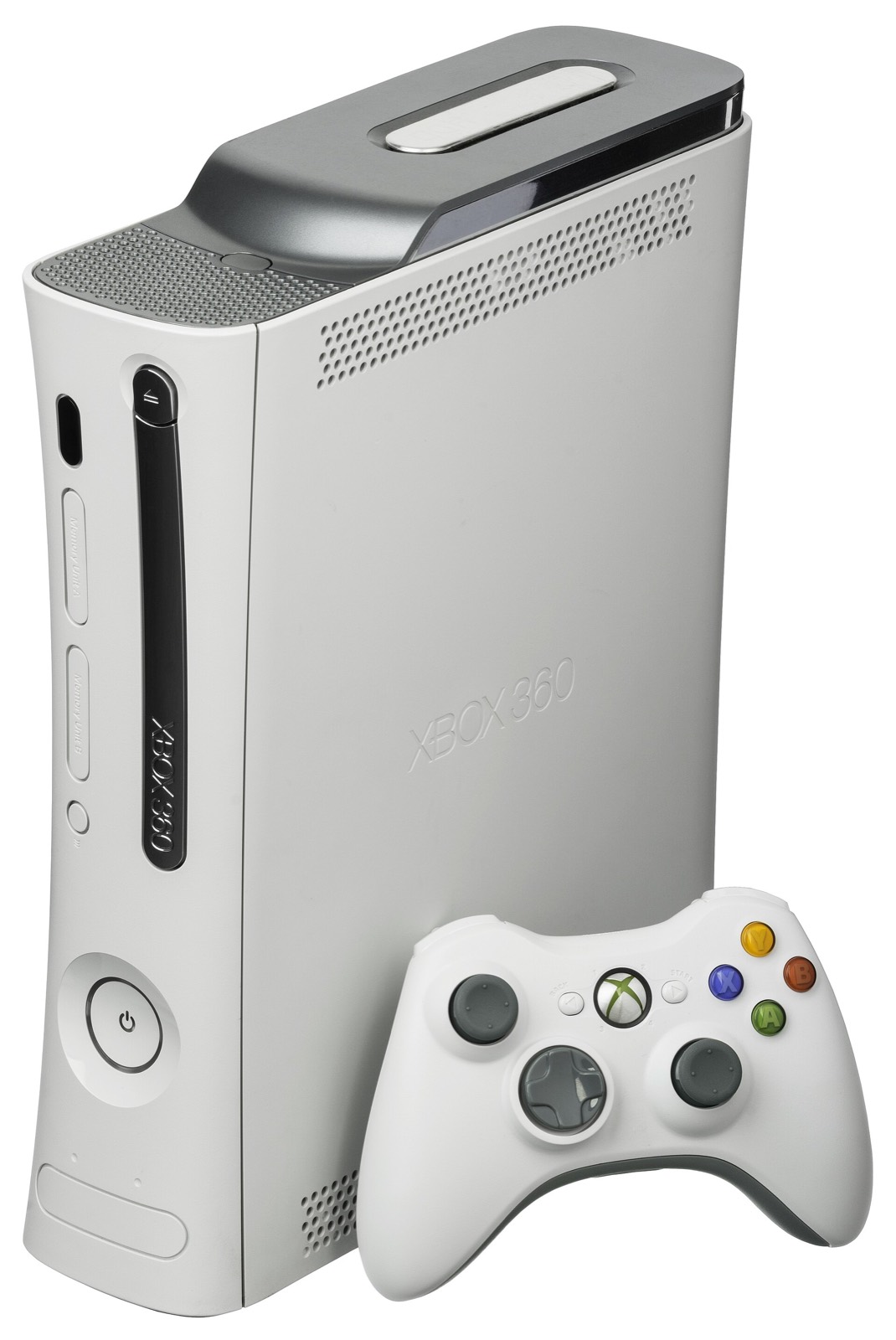
FH2 Recompiled installs like any sideloaded Android app. Setting it up means installing the APK, giving the launcher your own copy of the game, and choosing a renderer. This guide follows the project’s README and release notes up to v0.4.5.
This site does not explain how to obtain, dump or rip game files. The port needs your own copy of Forza Horizon 2 for Xbox 360, and the APK contains none of the game.
Before you start
- An Android 8.0+ phone or handheld with an ARM64 processor, a Vulkan 1.1 GPU and 4 GB of RAM or more. See requirements.
- Your own Forza Horizon 2 for Xbox 360, USA edition (
4D530AA4): a disc image or the extracted files, about 8 GB. - The APK from the download page, with its SHA-256 checked.
Step-by-step install on Android
- Download
FH2-Recompiled-0.4.5.apk(109.5 MB) from GitHub and compare its SHA-256 with4e6cf0cad1187c42631ffb51690e9b9101a30531b69716dc4a0d7ad01d0ef09b. - Install the APK. Allow installing apps from unknown sources if Android asks. With
adb:adb install -r FH2-Recompiled-0.4.5.apk. - Open FH2 Recompiled and go to Game and saves. Choose your disc image (.iso), or the folder with the extracted files. File access is asked only when you pick the ISO, the folder or a save.
- Choose a renderer in Graphics. Native (the default since 0.4.0) needs
fh2_shaders.nfspnext to the game files or the .iso; without it, choose Emulated. Phones whose GPU cannot run the emulated renderer are warned before playing. - Set a starting point: render resolution 50% or lower, anti-aliasing off, FIFO present mode. The settings guide goes further.
- Tap Play. The first start takes longer while shaders are prepared.
Required folder layout
The launcher reads either a folder or a disc image. This is the folder layout the README and the first release describe:
Internal storage/jogos/ForzaHorizon2/   ← your extracted game files
  default.xex                           ← the game executable
  XMediaFacade_default.xex
  SpeechFacade_default.xex
  media/                                ← the game’s data folder
  fh2_shaders.nfsp                      ← your shader library (native renderer)

…/ForzaHorizon2.iso                     ← or: your disc image, read in place
…/fh2_shaders.nfsp                      ← next to the .iso for the native renderer
An ISO picked through Downloads, a media category or another file manager works since 0.4.0 (#1). Your game files are never modified.
The native renderer’s shader library
The native renderer draws the game’s GPU commands straight in Vulkan with shaders translated ahead of time by XenosRecomp. Because those shaders come from your game files, the library fh2_shaders.nfsp is not in the APK: you build it on a Linux PC from your own copy (step 2 and the shader line in the table below), then copy it next to the game files or the .iso on the phone, for example with tools/enviar_biblioteca_android.sh.
- A library built for v0.4.2 works with every release up to v0.4.5. Rebuilding it for 0.4.2 or later gives the fix for faceted car paint on Adreno.
- Do not use shader files found online: they are game-derived, and players report that they miss shaders and still stutter (#57).
Custom GPU drivers (Turnip)
Performance > GPU driver imports an adrenotools driver package (.zip), such as a Mesa Turnip build or a Qualcomm package, and tests it with Vulkan before it can be chosen. On Adreno 6xx and 7xx a Turnip build is often faster than the phone’s own driver; the Moto G9 Play tests use Turnip “Mr. Purple T30”. If a driver gives a black screen, switch back to the system driver. Mali, Xclipse and PowerVR GPUs cannot use adrenotools drivers.
Updating without losing settings
- Download the new APK from Releases and install it over the old one: every release from 0.4.1 to v0.4.5 notes that upgrading keeps your settings.
- Options you never touched take the new defaults (0.4.0 switched untouched setups to the native renderer). Use Restore defaults at the foot of Graphics and Performance to start clean.
- Saves can be imported, exported and backed up from the launcher.
Building for Linux from source
The Linux x86-64 version has no download: you build it. The README’s steps, on Linux with Clang 20, CMake 3.25+, Ninja, Python 3.8+ and Git, about 20 GB of disk and 12 GB of RAM:
| Step | Command |
|---|---|
| 1. Third-party sources | python3 tools/fetch_thirdparty.py fetches the SDK’s dependencies. |
| 2. Your game files | python3 tools/fase1_extraer.py /path/to/your/ForzaHorizon2.iso -o assets/game_root unpacks your own disc image into a folder Git ignores. |
| 3. Linux build | cmake -S app -B app/out/linux -G Ninja -DCMAKE_BUILD_TYPE=Release -DCMAKE_C_COMPILER=clang-20 -DCMAKE_CXX_COMPILER=clang++-20 -DREXSDK_DIR="$PWD/sdk", then cmake --build app/out/linux and tools/rodar_pc.sh. The first build generates the C++ from default.xex into app/generated. |
| 4. Android APK | ./build_android.sh after step 3; needs Java 17+, the Android SDK with NDK 28.2.13676358 and CMake 3.30.5. |
| Shader library | tools/xenos/biblioteca.sh after step 2 writes app/out/shaders_fh2/fh2_shaders.nfsp; tools/enviar_biblioteca_android.sh copies it to the phone. |
After pulling changes to app/overrides.toml (or any app/*.toml), regenerate the code: the Linux build does it when those files change, or run REXGLUE=$PWD/sdk/out/linux-amd64/rexglue tools/codegen.sh app. The Android build cannot run the generator, so an APK built without that step misses such fixes (the paint shop crash fix is one).
Frequently asked questions
Where do the game files go on the phone?
Either choose your disc image (.iso) in Game and saves, where it is read in place with no extraction, or copy the extracted files to Internal storage/jogos/ForzaHorizon2: default.xex, XMediaFacade_default.xex, SpeechFacade_default.xex and the media folder. You can also pick the folder from the launcher.
Which edition of Forza Horizon 2 does it need?
The Xbox 360 USA edition, Title ID 4D530AA4, from your own disc. Other editions have not been tested. It is not the Xbox One version of the game.
How do I get fh2_shaders.nfsp?
You build it yourself. It is made from your own game files, which is why it is not in the APK: on a Linux PC, after extracting your disc image as in the README, run tools/xenos/biblioteca.sh and copy app/out/shaders_fh2/fh2_shaders.nfsp next to the game files or the .iso on the phone. Shader files passed around online are often incomplete and are game-derived; use your own.
Can I play without the shader library?
Yes. In Graphics choose the emulated renderer, which translates shaders while you play. It is the faithful renderer but slower, and expect stutter while shaders compile the first time.
Why does Android refuse to update the app?
Builds signed with different keys cannot update each other: the APK from Releases and your own build, for example. Uninstall one before installing the other. Releases from GitHub update each other and keep your settings.
Does the launcher change my game files?
No. The world detail sliders, for example, rewrite the game’s TrackSettings.xml in memory at start; the files on your storage are not touched.